Manufacturing CRM: from the order to finished goods
Customers and orders, bills of materials, shop-floor work orders, material stock and purchasing in one system. A finished manufacturing order writes off components, puts the product in stock and calculates its cost.
What is a manufacturing CRM?
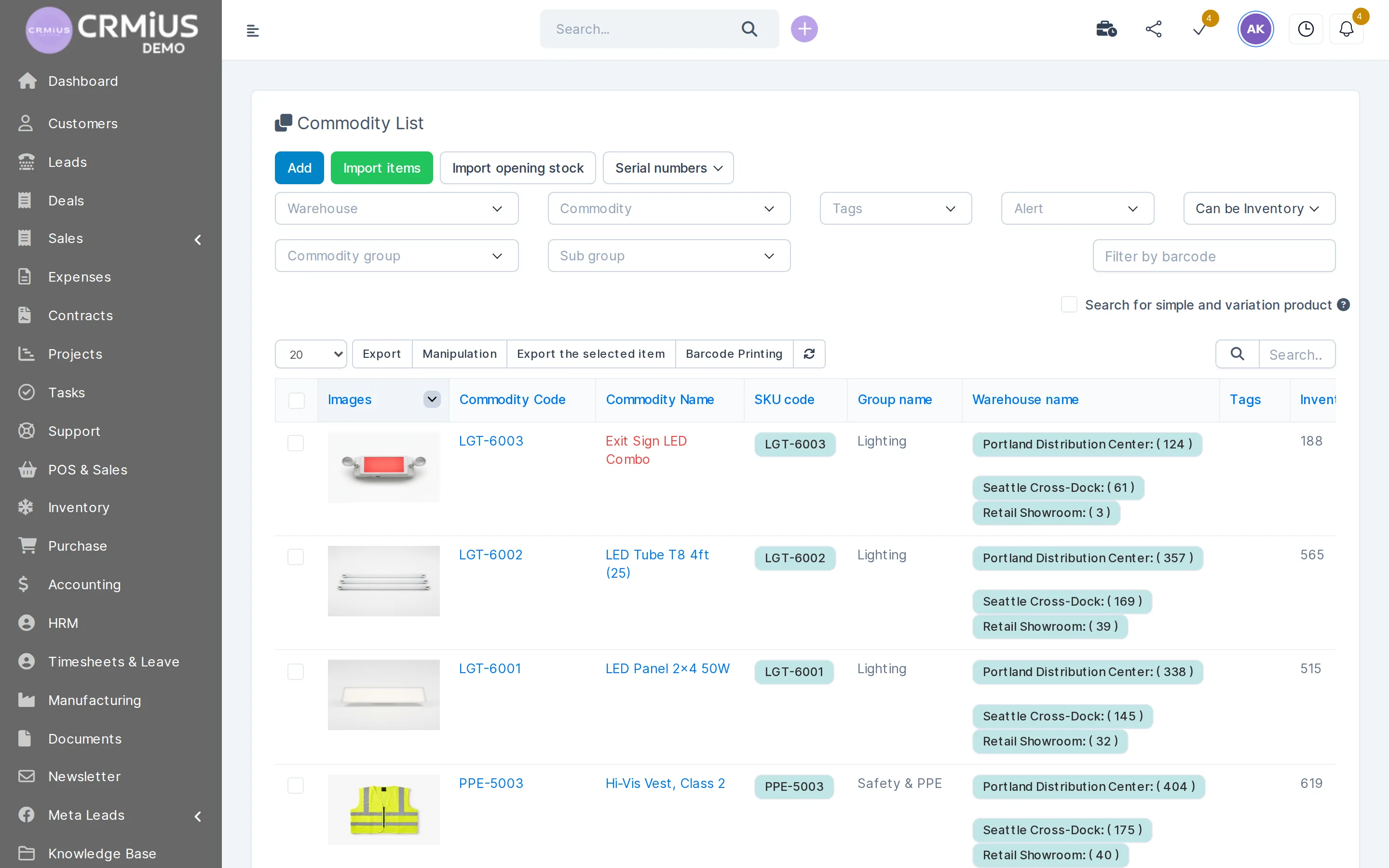
A manufacturing CRM keeps customers, orders and invoices in the same database as bills of materials, work orders and stock. In CRMiUS the Manufacturing module runs on top of Warehouse and Purchasing: a manufacturing order checks components in stock, a shortage becomes a purchase request, and a finished order adds the product to stock at its calculated cost.
- Bills of materials (BOM): components and quantities, the operation where each one is consumed, kits
- Routings: operations in order, each at a work center, with duration and work instructions
- Manufacturing orders with deadline, responsible person, components warehouse and finished-goods warehouse
- Work orders on the shop floor: start, pause, done, actual time, Gantt view
- Production cost per order: materials + staff time + work-center time
Price: plans from $100 a month (Basic), Advanced $150, Corporate priced individually; 10% off for annual payment, individual terms from 10 users. Which modules are switched on, manufacturing, warehouse and purchasing included, is agreed for your company. 14 days free, full access, no bank card. Compare plans
Sales, production, stock and purchasing in one database
Eight jobs that otherwise sit in spreadsheets, a separate production program and the accounting software.
Keep customers and orders
Company record with contacts, estimates, invoices, payments and the full order history in the customer card.
Describe what you make
Products marked “can be manufactured”, variants (size, color, finish), units of measure with conversion ratios, SKU and barcode.
Build bills of materials
Components and quantities per product or variant, the operation where each component is consumed, BOM type “manufacture” or “kit”, and a change log of who changed what.
Set up routings and work centers
Operations in order, each at a work center with working hours, capacity, time efficiency, OEE target and cost per hour. Duration is set by hand or computed from recent work orders.
Plan manufacturing orders
Quantity, deadline, planned start and responsible person. Status runs draft → confirmed → planned → in progress → done; “Check availability” reserves the components.
Buy what is missing
When materials are short, the manufacturing order creates a purchase request in procurement; then vendor quotes, the purchase order and the goods receipt.
Run the shop floor
One work order per operation: start, pause, finish and time tracking. The next operation starts once all or part of the batch is processed; tasks can be created from a work order.
Know the cost
Materials + staff working time + work-center time per order; the result is written to the product as its cost price. Reports by manufacturing order and work order sit next to the sales reports.
How a manufacturing order moves through CRMiUS
Production sits between two document chains your team already knows: the customer order at the start and the delivery note at the end. Every step in between is a record with a status.
- 01Customer orderestimate or invoice in sales, the product is in the catalogue
- 02Manufacturing orderproduct, quantity, BOM and routing, deadline, responsible
- 03Check availabilitycomponents reserved in the components warehouse
Components short?
- purchase request
- purchase order
- goods receipt
- 04Work ordersby work center: start, pause, done, actual minutes
- 05Mark as donecomponents written off, finished goods in stock− components+ finished goods
- 06Delivery and invoicedelivery note to the customer, payment tracked
materials+staff hours × hourly cost+work-center hours × cost per hour
Purchasing for production in the same system
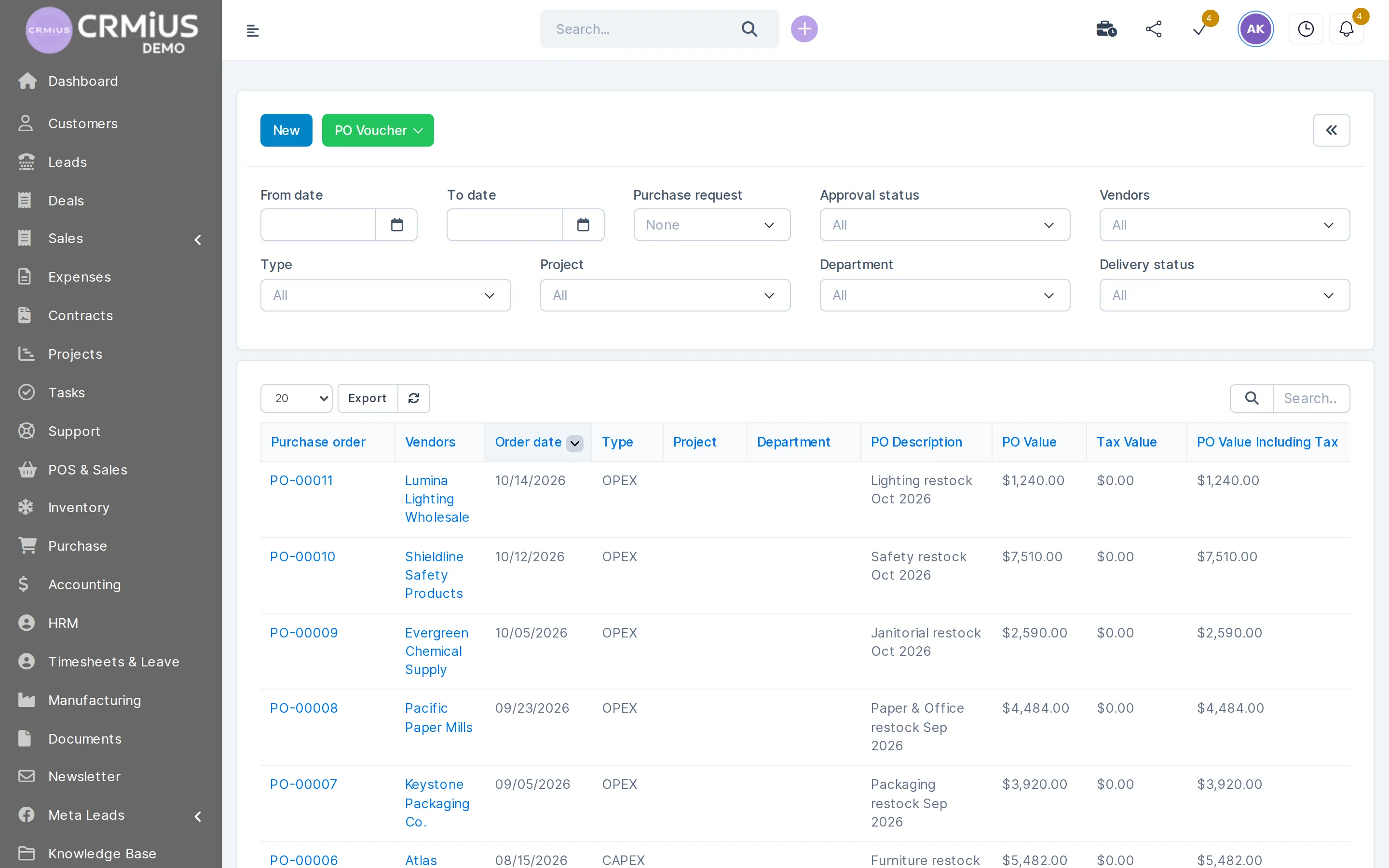
Raw materials and components are bought through the procurement module and received into the components warehouse, so the planner sees what is ordered and what has arrived.
- Purchase request created from a manufacturing order when components are short
- Vendor, approval status and delivery status on every purchase order
- Partial deliveries received against the order
- Minimum stock level alert for materials you use every week
Bill of materials and routing: the recipe of your product
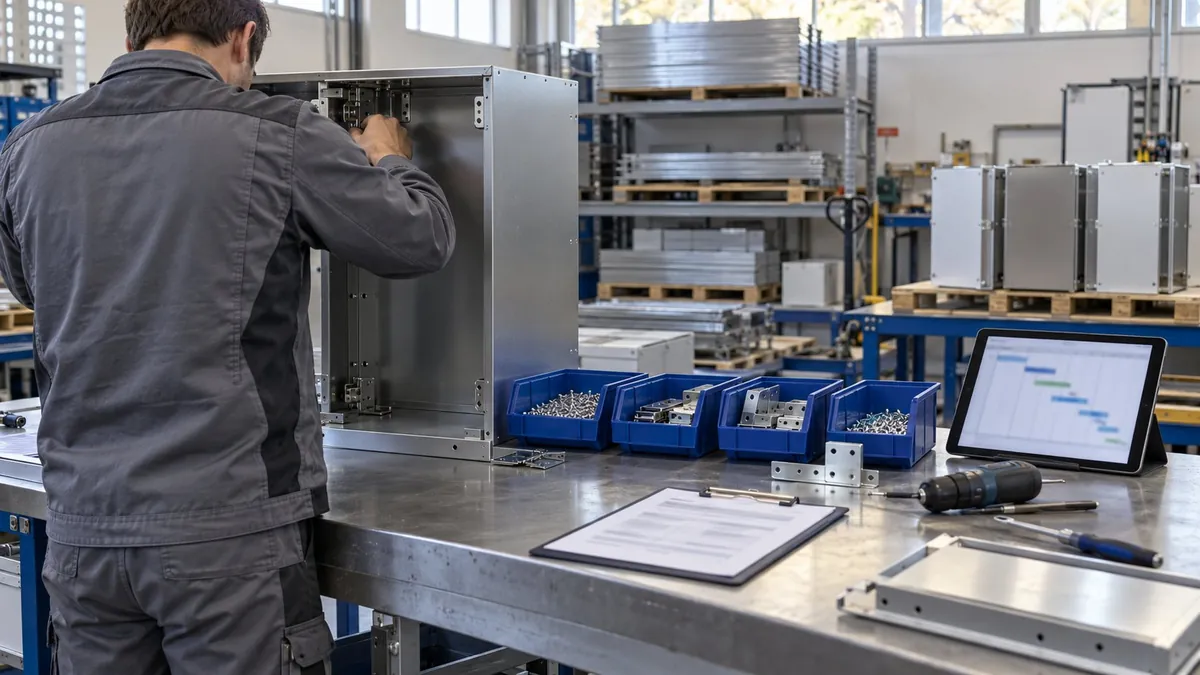
A bill of materials lists what goes into the product: components, quantities and the operation where each component is used. A routing lists the operations in order and the work center for each. With both in place, a manufacturing order knows what to reserve in the warehouse and which work to plan.
- Readiness rule: start when all components are in stock, or when the components for the first operation are
- Consumption “strict” or “flexible”: whether actual use may differ from the BOM
- Kit-type BOM that splits a product into its components
- BOM change log: added and removed components and changed quantities, with user and date
- Work instructions and files attached to operations
Machine data collection and detailed finite-capacity scheduling are the job of dedicated shop-floor systems. In a demo on your products we show which part CRMiUS covers; the stock side is described on the warehouse management page.
How we set up CRMiUS for a manufacturer
Timing depends on the number of products, how deep the bills of materials go and how much history you bring over; we give you an estimate for your case in the demo.
- 01
Demo on your process
We walk through one product from customer order to shipment, and the way you buy materials, and show the same in CRMiUS.
- 02
Your data
Customers and contacts, product catalogue with SKUs, components and bills of materials, stock of materials, vendors. CSV exports work.
- 03
Module setup
We switch on manufacturing, warehouse, purchasing, finance and sales; create the components and finished-goods warehouses, work centers with working hours and cost per hour, routings and roles.
- 04
Team training
Sales, the planner, the shop-floor lead, warehouse staff and accounting each learn their part. Setup and training are additional CRMiUS services.
- 05
Go live with support
14-day free trial with full access, then the plan you choose; 24/7 technical support on every plan.
Spreadsheets, a separate production program, or CRMiUS
| Spreadsheets and chat | Production program + separate CRM | CRMiUS | |
|---|---|---|---|
| Bill of materials | a file per product | in the production program only | on the product, with a change log |
| Material shortage | found on the shop floor | checked in one program, bought in another | “Check availability” → purchase request |
| Order progress | ask the workshop | visible to production staff | work-order status for sales and managers |
| Production cost | estimated in a spreadsheet | calculated apart from sales prices | materials + staff + work-center time per order |
| Shipping to the customer | a list in a file | stock re-entered between programs | finished-goods warehouse → delivery note → invoice |
Which manufacturers it fits
Make-to-order workshop
Each order is produced for one customer: the manufacturing order follows the estimate, and the customer sees the invoice and pays online in the portal.
Small series to stock
Repeat products with fixed BOMs and routings, batches made to stock, minimum-stock alerts for materials.
Assembly from bought components
Products assembled from purchased parts, kit-type BOMs, serial numbers and expiry dates captured on receipt.
Production plus wholesale or retail
The same warehouse sells on invoices and through POS; see CRM for retail. For several departments and sites, see CRM for large companies.
Price and what you need to start
CRMiUS is a monthly subscription priced in USD. For a manufacturer we usually switch on manufacturing, warehouse, purchasing, finance, sales and customers; the Manufacturing module needs Warehouse and Purchasing to be active. The exact module set is agreed in the demo.
- Basic $100 a month, Advanced (Pro) $150 a month, Corporate priced individually
- 10% off for annual payment, individual terms from 10 users
- Configuration of modules and interface and team training as additional services
- Customers, products, components and vendors import from CSV or through the REST API
What each plan includes is on the CRMiUS pricing page. Other industry solutions are in CRM for business.
Modules a manufacturer runs on
- Warehouse and inventory managementComponents and finished goods by warehouse, receipts, shipments.
- Procurement managementPurchase requests, vendor quotes, purchase orders.
- Finance and invoicingInvoices, payments, expenses and receivables.
- Task managementTasks created from work orders, deadlines, checklists.
- Reports and dashboardsSales, payments and production reports.
- Contact and customer management (CRM)Customer companies and their contacts.
Questions and answers
What is a CRM for manufacturing?
A system that keeps customers, orders and invoices together with bills of materials, work orders and stock of materials and finished goods. In CRMiUS a manufacturing order reserves components in the warehouse, and the finished product goes into stock at its calculated cost.
Does CRMiUS have bills of materials (BOM)?
Yes. A BOM holds components and quantities for a product or a variant, the operation where each component is consumed and a routing. A kit-type BOM splits a product into its components, and the change log records every added or removed component and changed quantity.
Which modules does manufacturing need?
The Manufacturing module needs Warehouse and Purchasing to be active: components and finished goods are warehouse items, and missing materials are bought through purchase requests and purchase orders.
How is the production cost calculated?
Per manufacturing order: cost of materials + staff working time × hourly cost + work-center time × the work center’s cost per hour. When the order is marked as done, the cost per unit is written to the product as its cost price.
What happens if materials are short?
“Check availability” on the manufacturing order shows what is missing. From the order you create a purchase request, then the buyer collects vendor quotes, issues a purchase order and receives the goods into the components warehouse.
Can sales see where an order is in production?
Yes, staff with access to the module see the status of manufacturing orders and work orders. Who sees and edits what is set per role in roles and access rights.
How much does a CRM for manufacturing cost?
CRMiUS plans start at $100 a month (Basic); Advanced is $150, Corporate is priced individually. 10% off for annual payment, individual terms from 10 users. The module set for your production is agreed in the demo. See pricing.
Can I try it before paying?
Yes: 14 days free with full access, no bank card. The live demo opens without sign-up and shows warehouse, purchasing and sales with sample data; manufacturing on your own products we show in a personal demo.
Start 14-day free trial
- 14 days free, no card
- from $100 / month
- 30+ connected modules
- 5 interface languages